








Alerts
Contents
Alerts enable you to monitor your insights and get notified when the value of the insight breaches a threshold that you've set (for example, the number of unique visitors to your site increased by 5% week over week). Currently, alerts are supported on all trends.
How to create an alert
Alerts are based off of insights. You can pick any existing trend insight or create a new one.
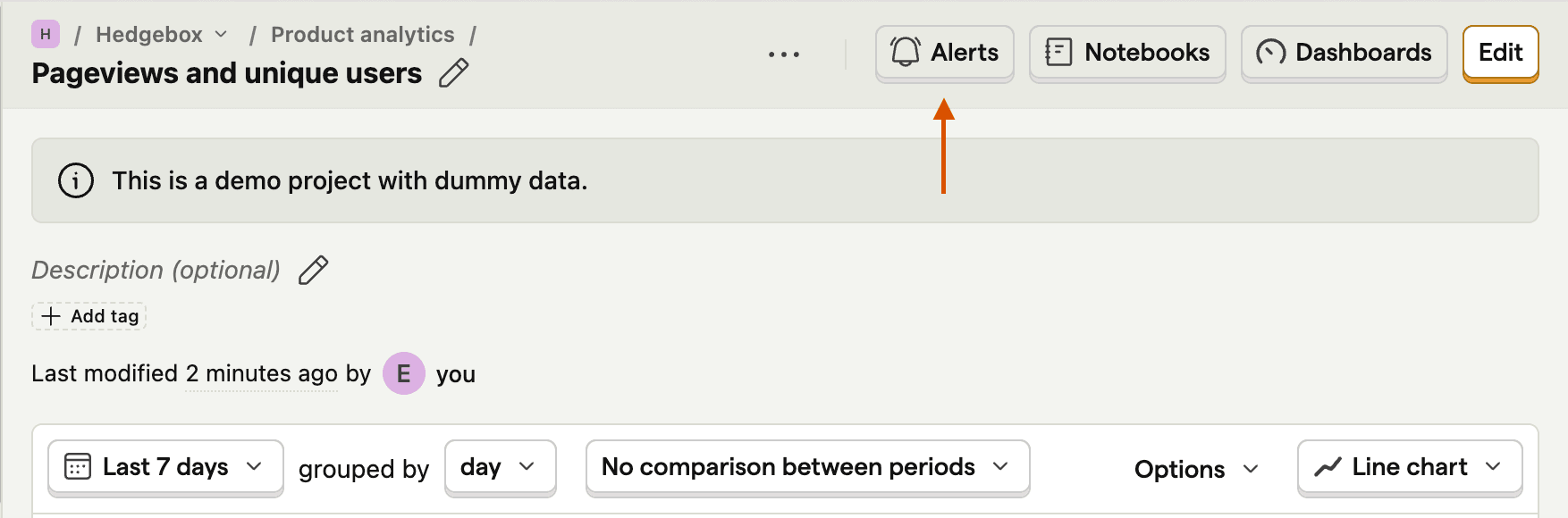
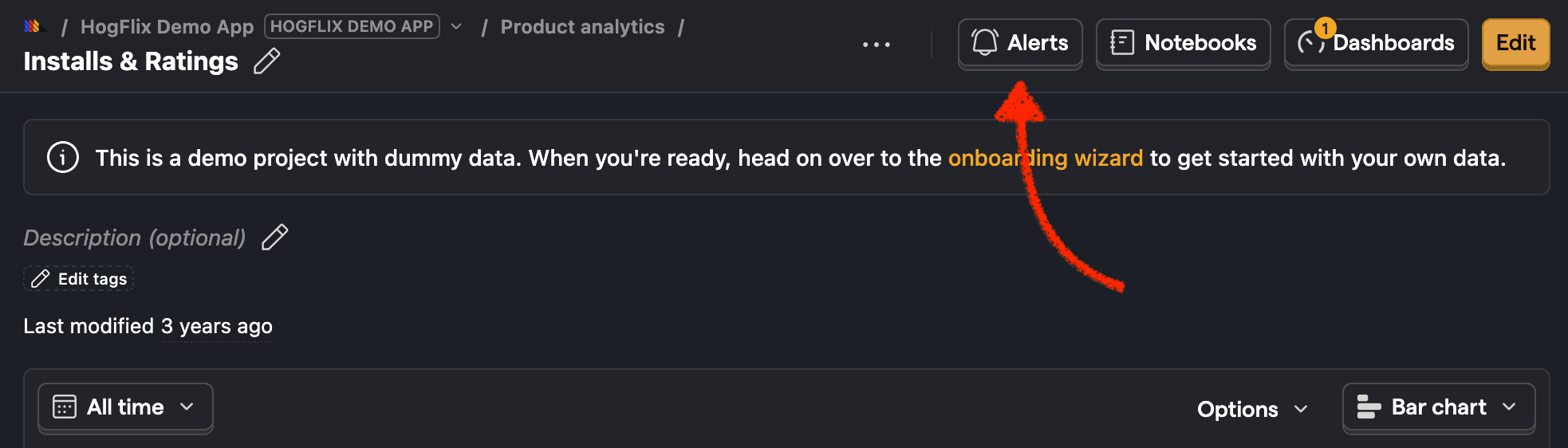
Click the Alerts button on the top right of the insight page. This shows you all the alerts for this insight.
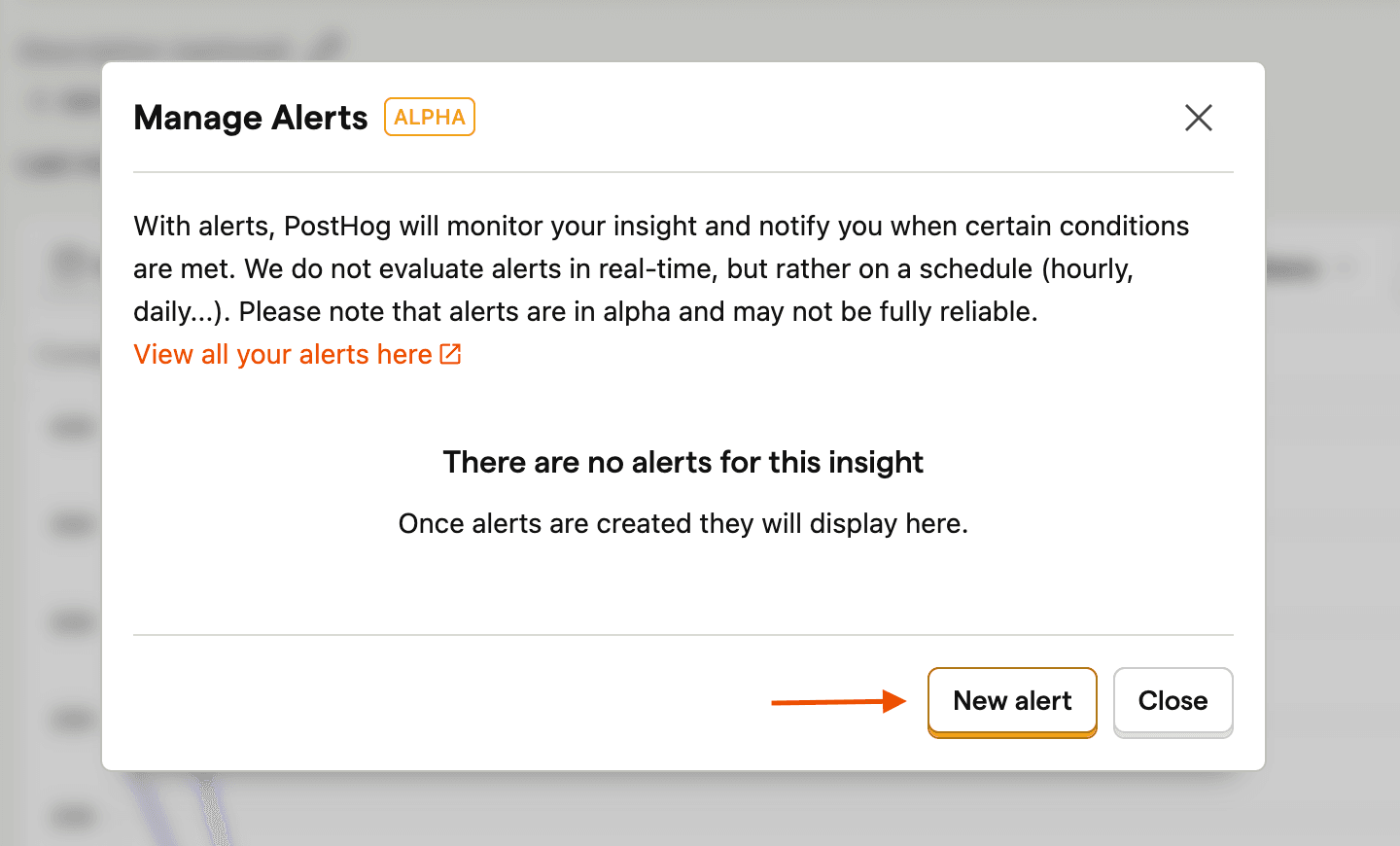
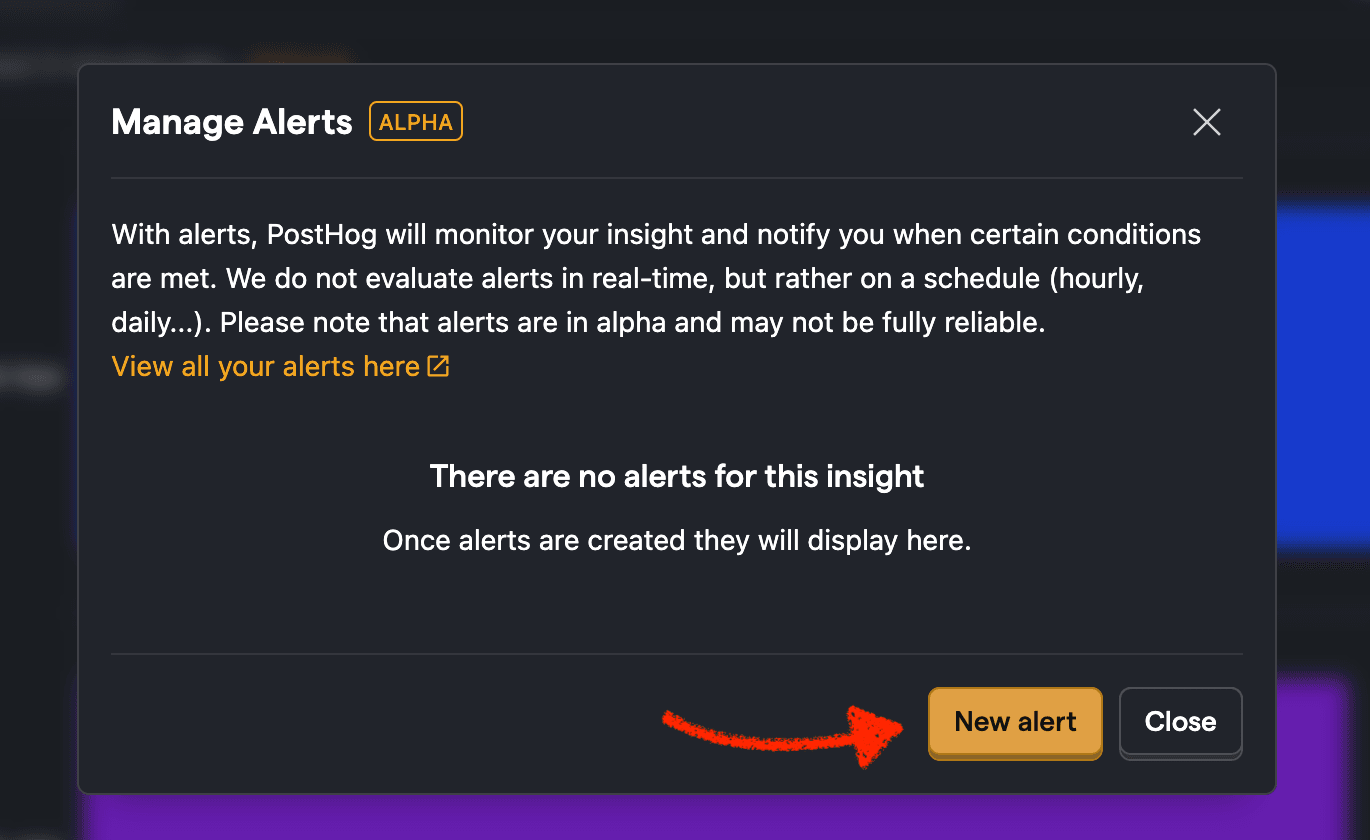
Click the New alert button.
Set a name for the alert.
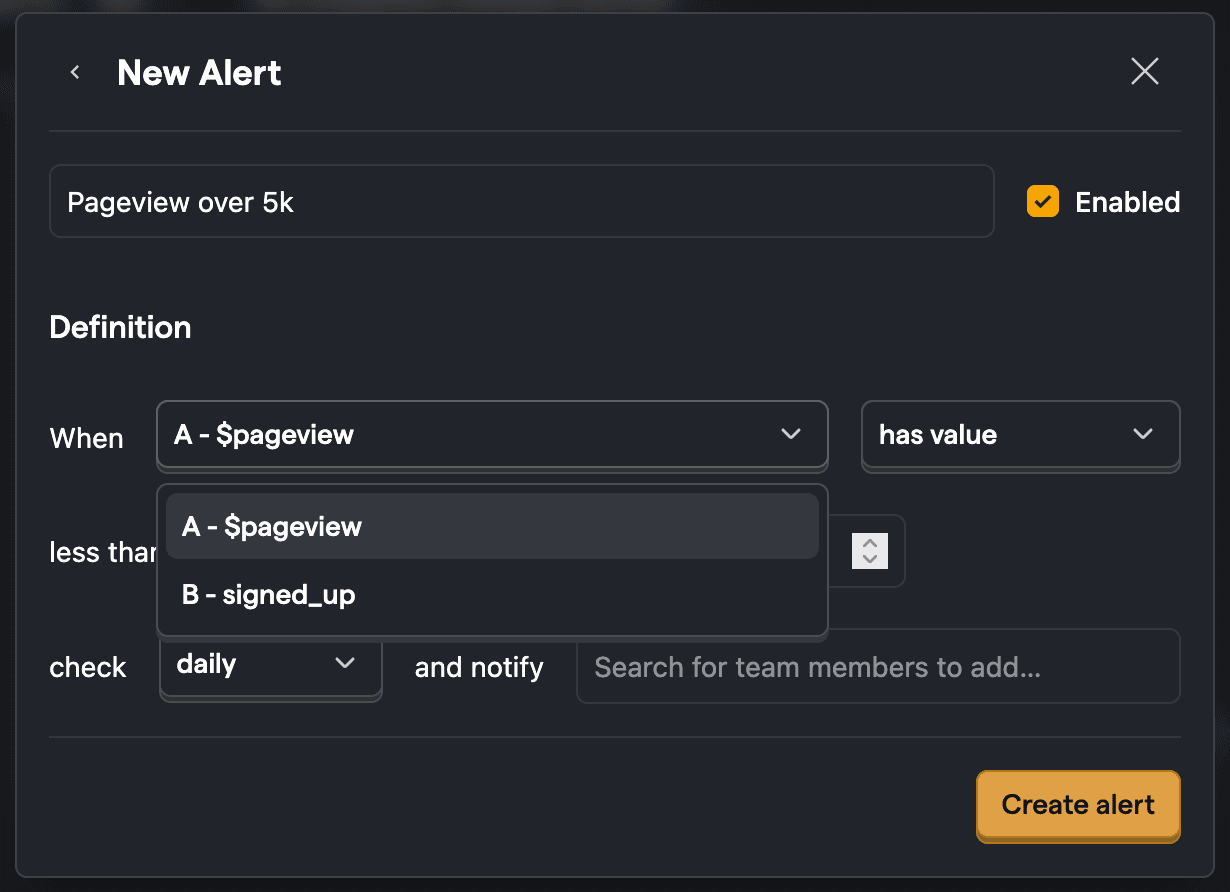
Select a 'series' you want to alert on. These are the different events/values you're plotting in the insight. For example, an insight might have multiple series like
A - $pageview(total count of page views for a URL) andB - signed_up(count of users who signed up on the page). You can select eitherAorB, which will determine if the alert gets checked against the value forA(total page views) orB(signups).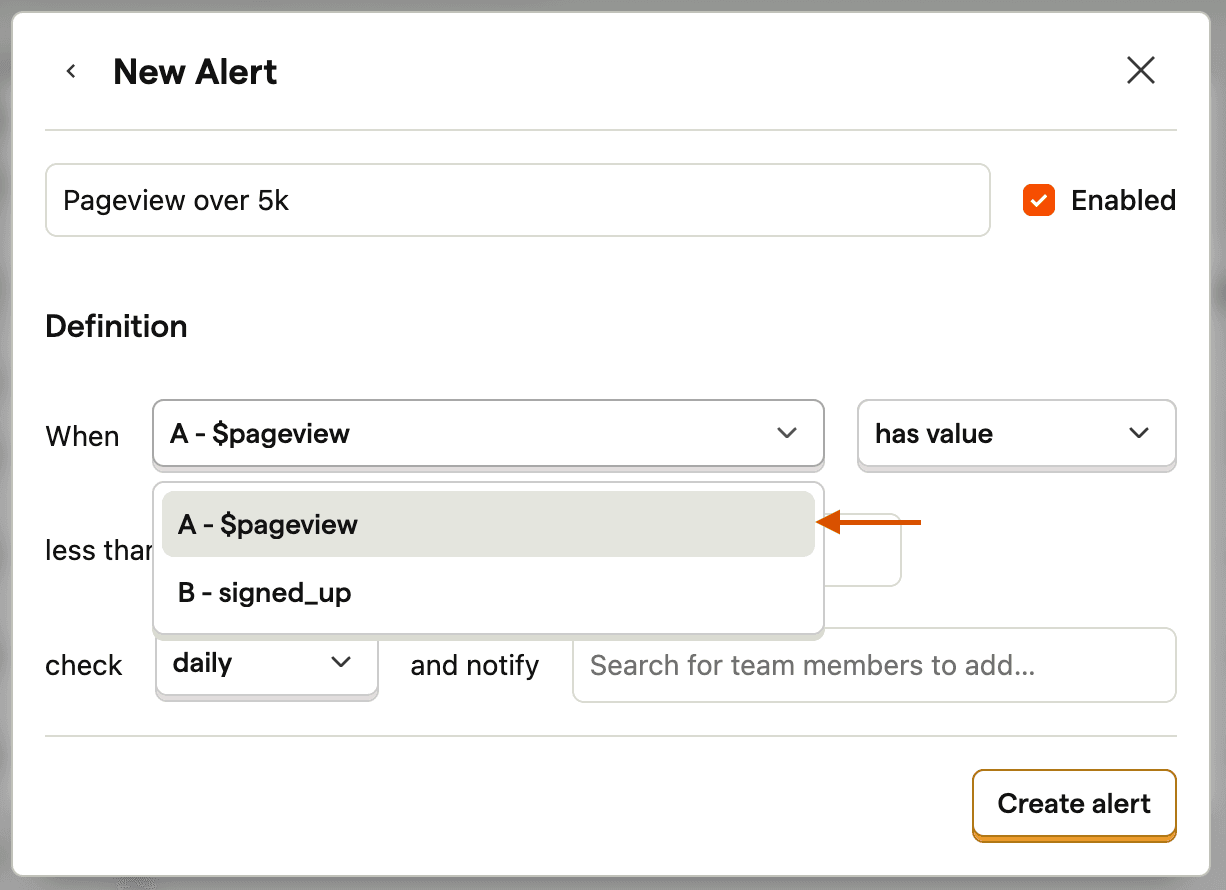
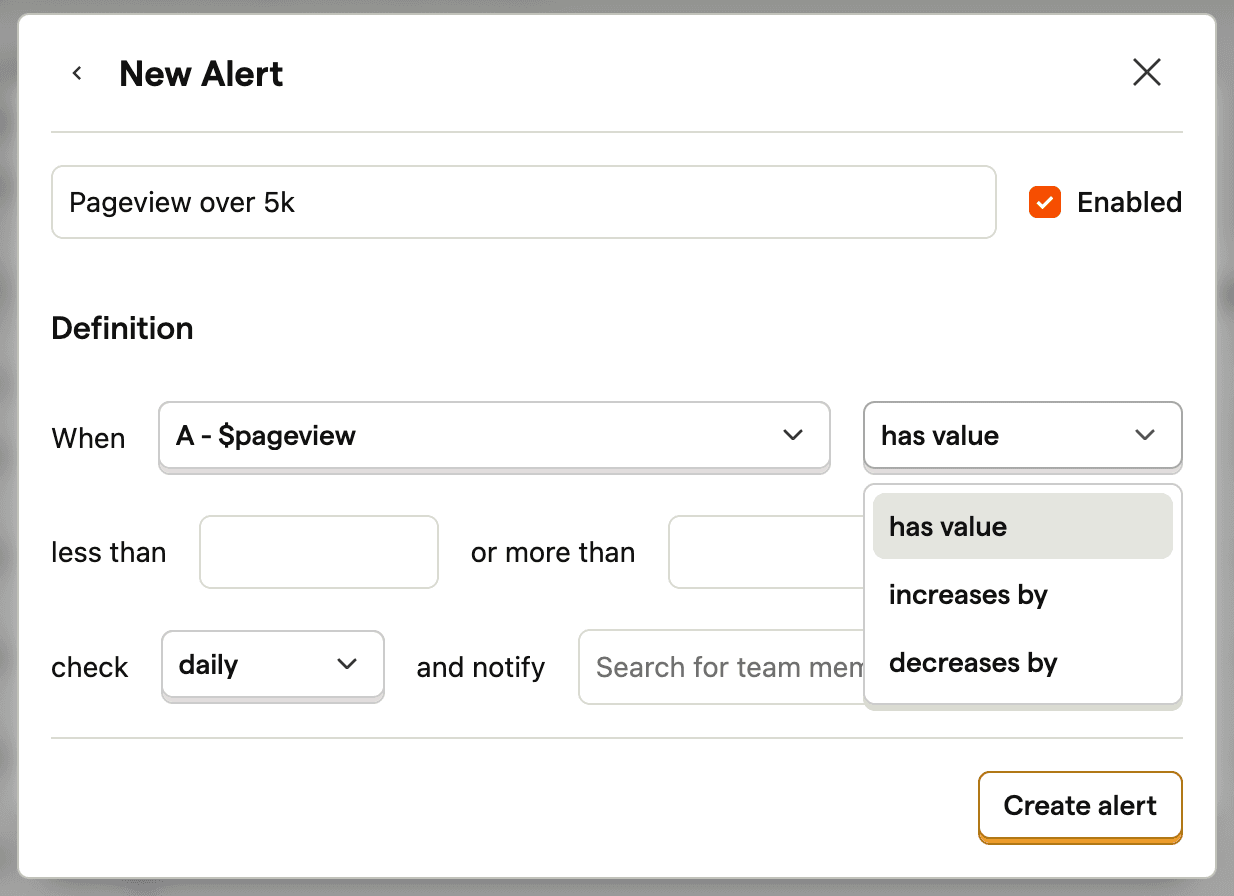
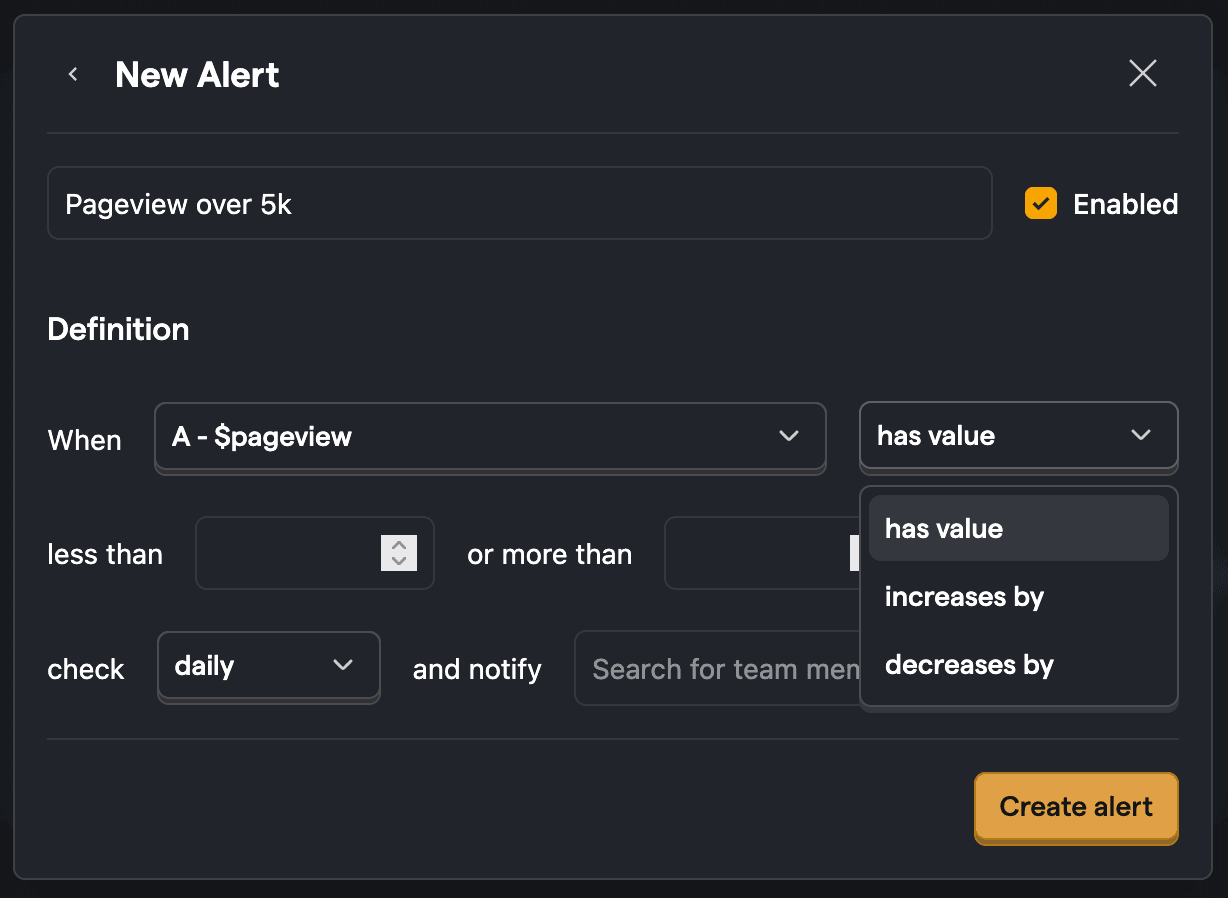
Select the alert type:
- has value - checks the series against a specific value.
- increases by/decreases by - checks if the series has changed by a certain amount.
Set the threshold. This is the value you want to compare the series value against. For example, you can set a value of 5000 in the "more than" field to check when pageviews have exceeded 5k.
(Optional) For relative alerts (increases by/decreases by), you can set a percentage threshold. It compares the percentage change in the series value to the thresholds you've set.
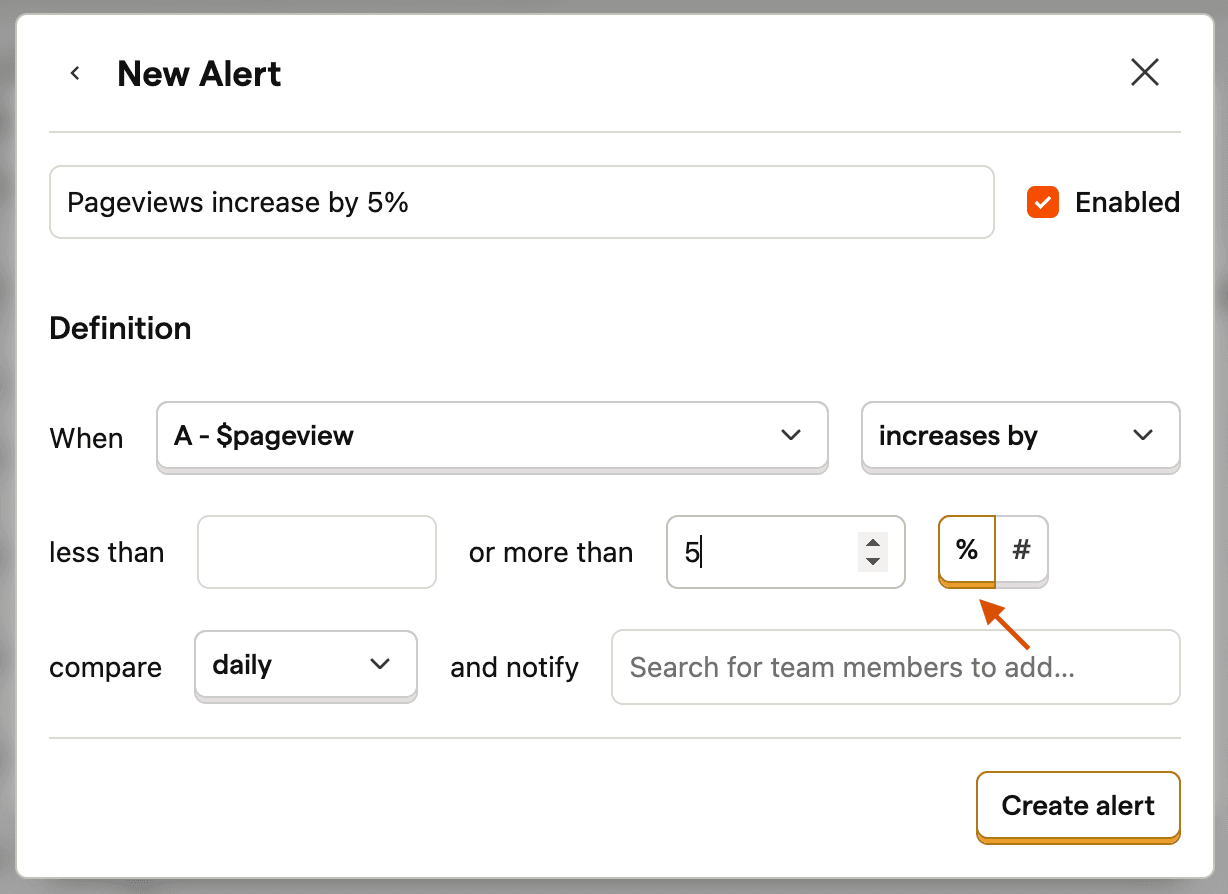
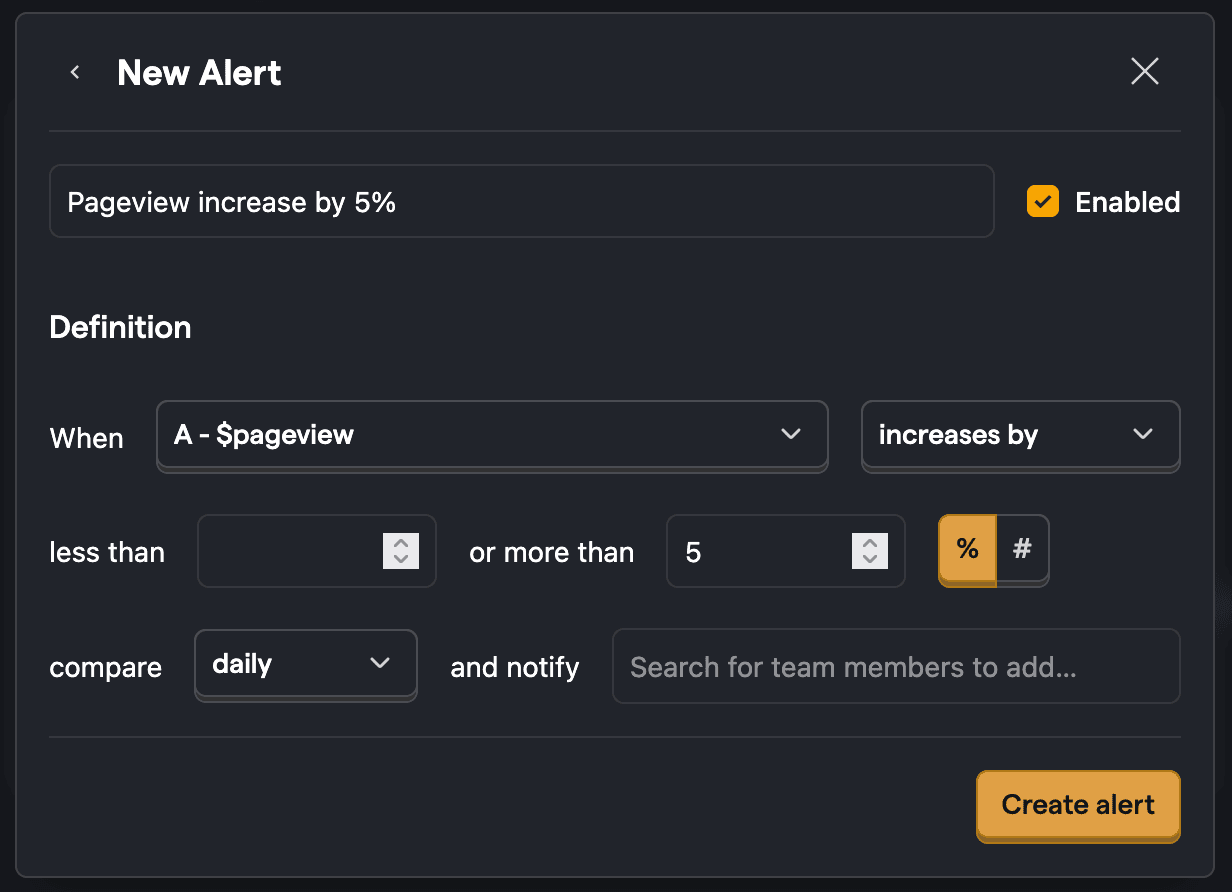
Select how often you want the alert to be checked (e.g. every hour, every day, every week, every month)
Pick who should be notified when the alert is triggered. You can add email recipients, Slack channels, or webhook URLs directly in the alert form.
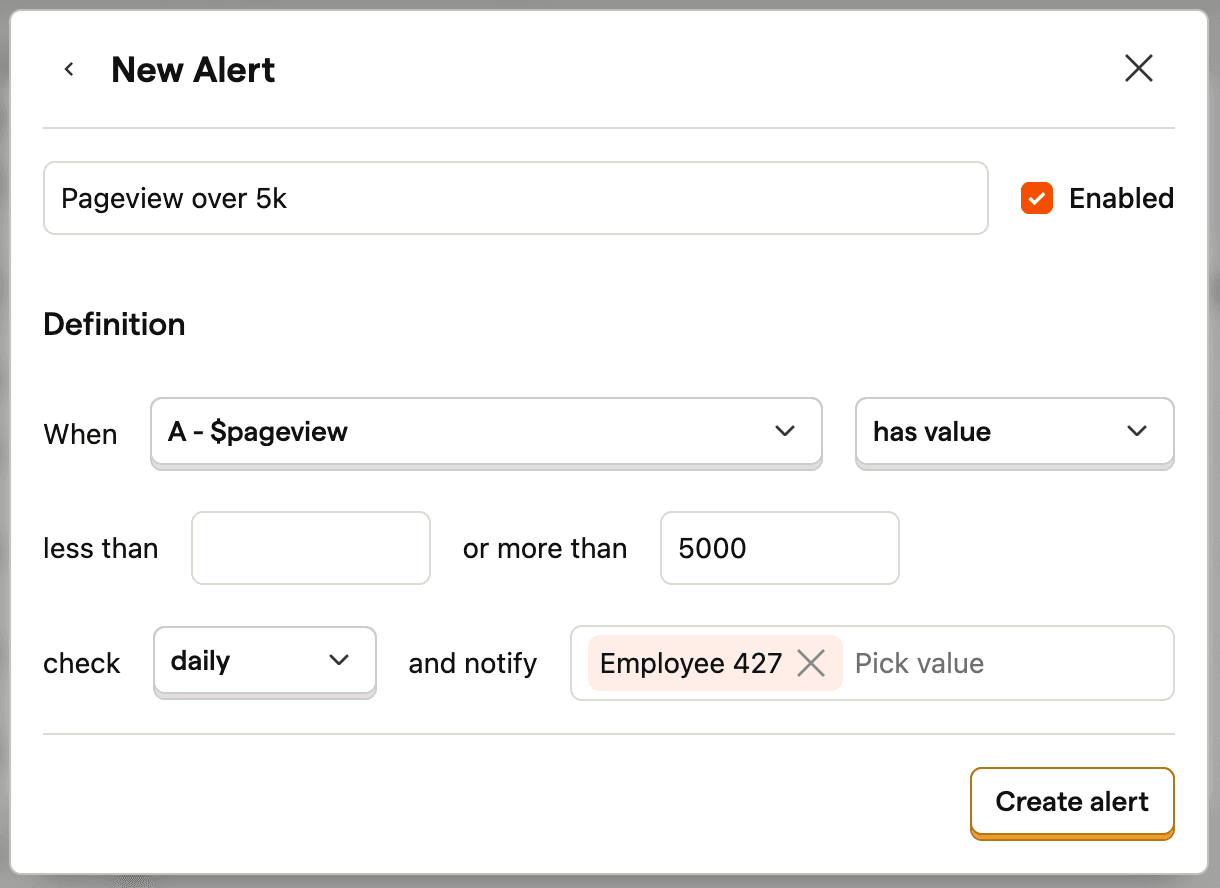
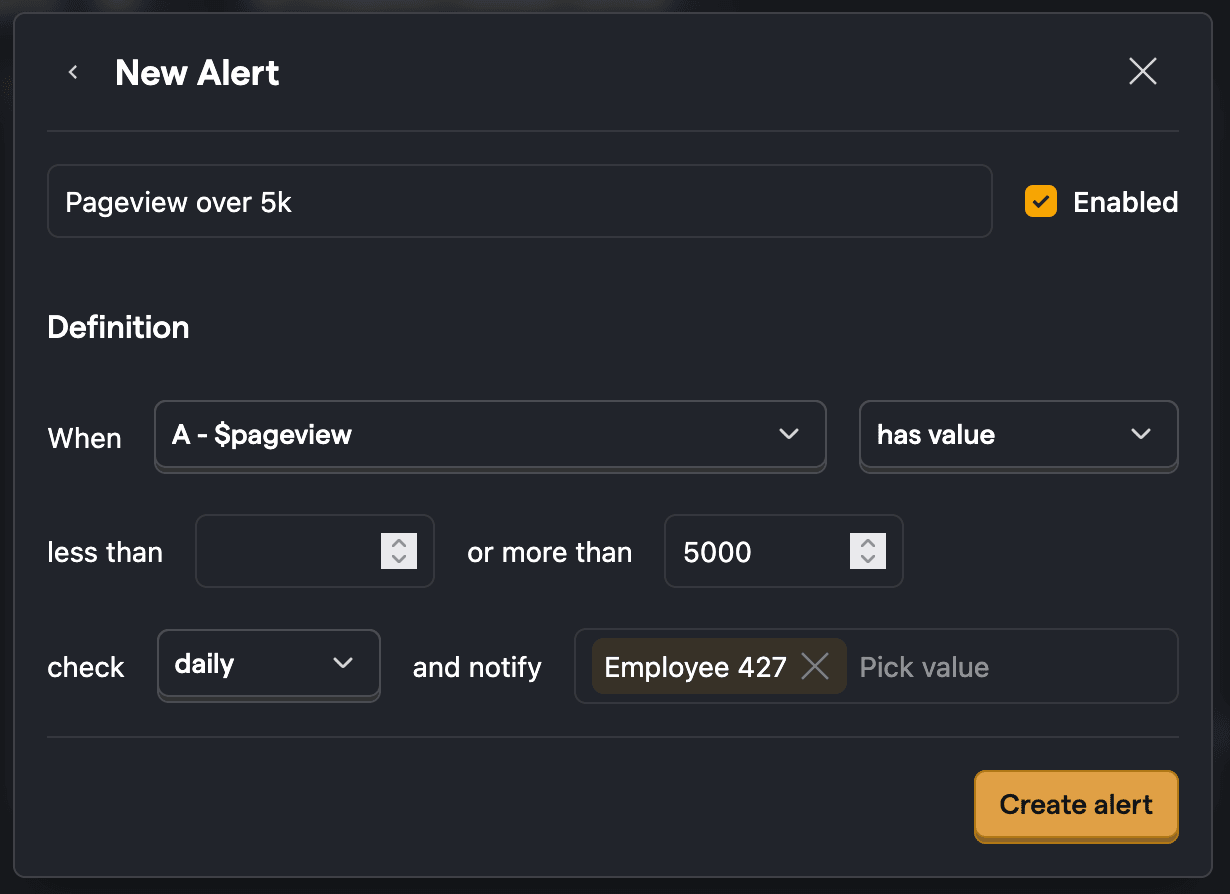
Click Create alert, and you're done!
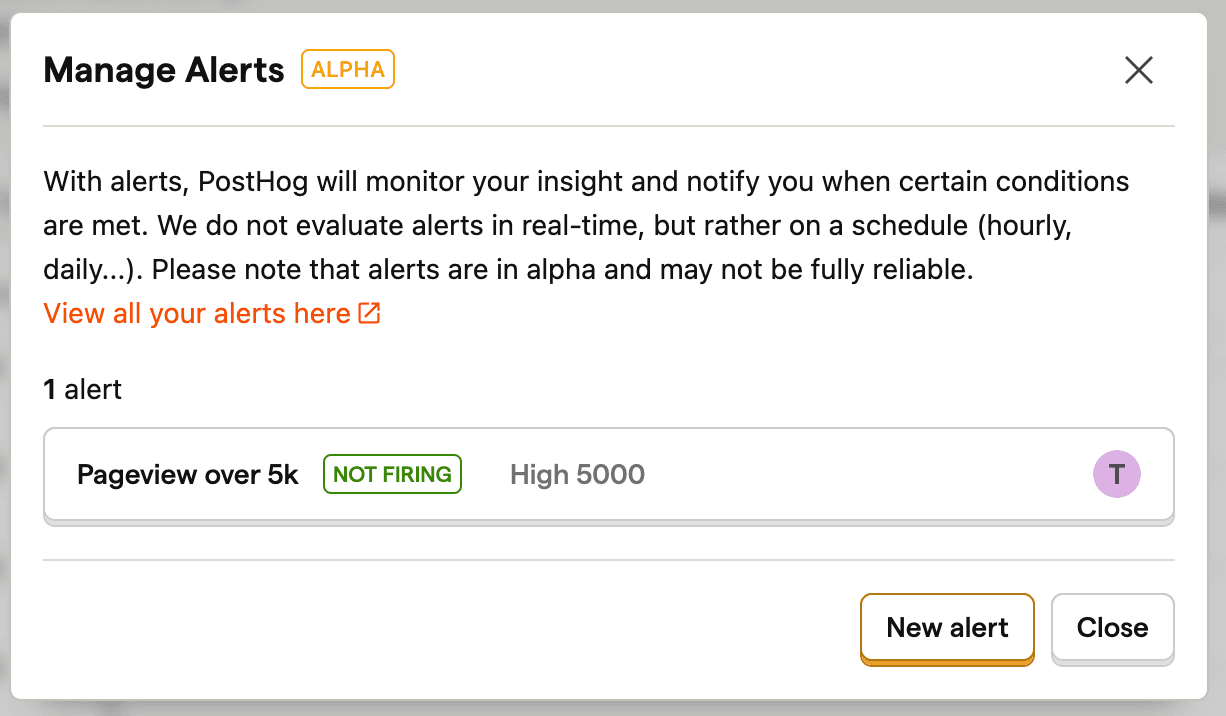
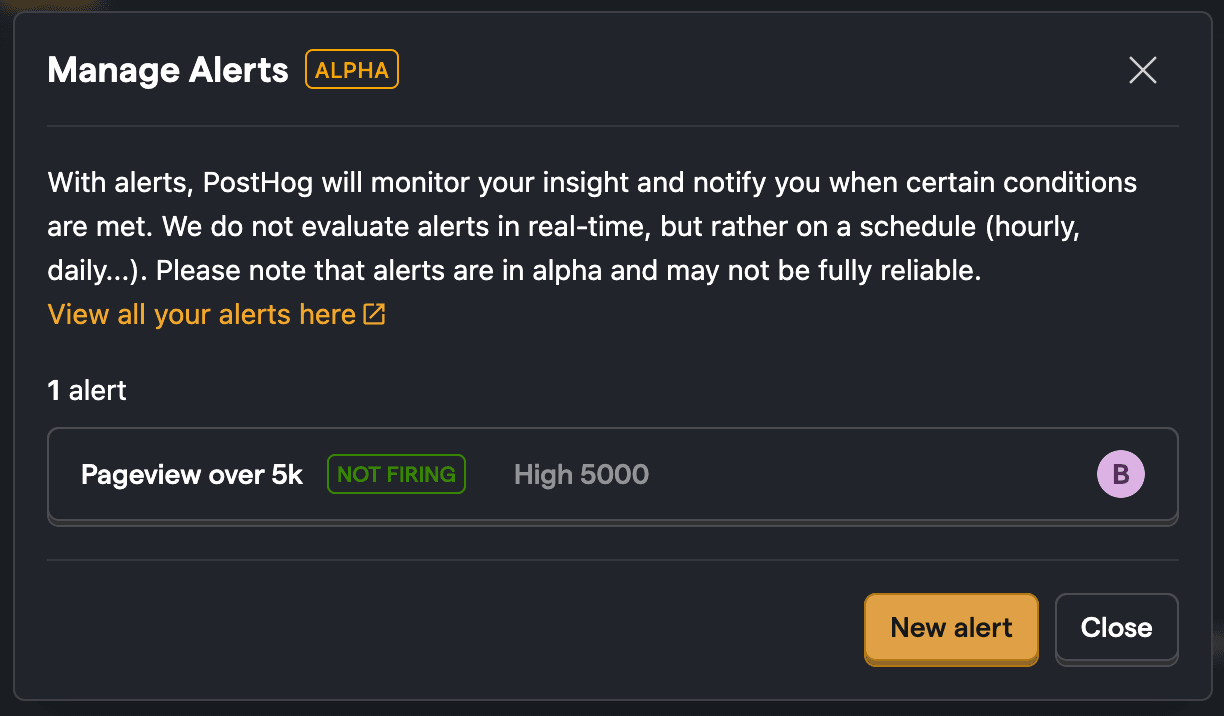
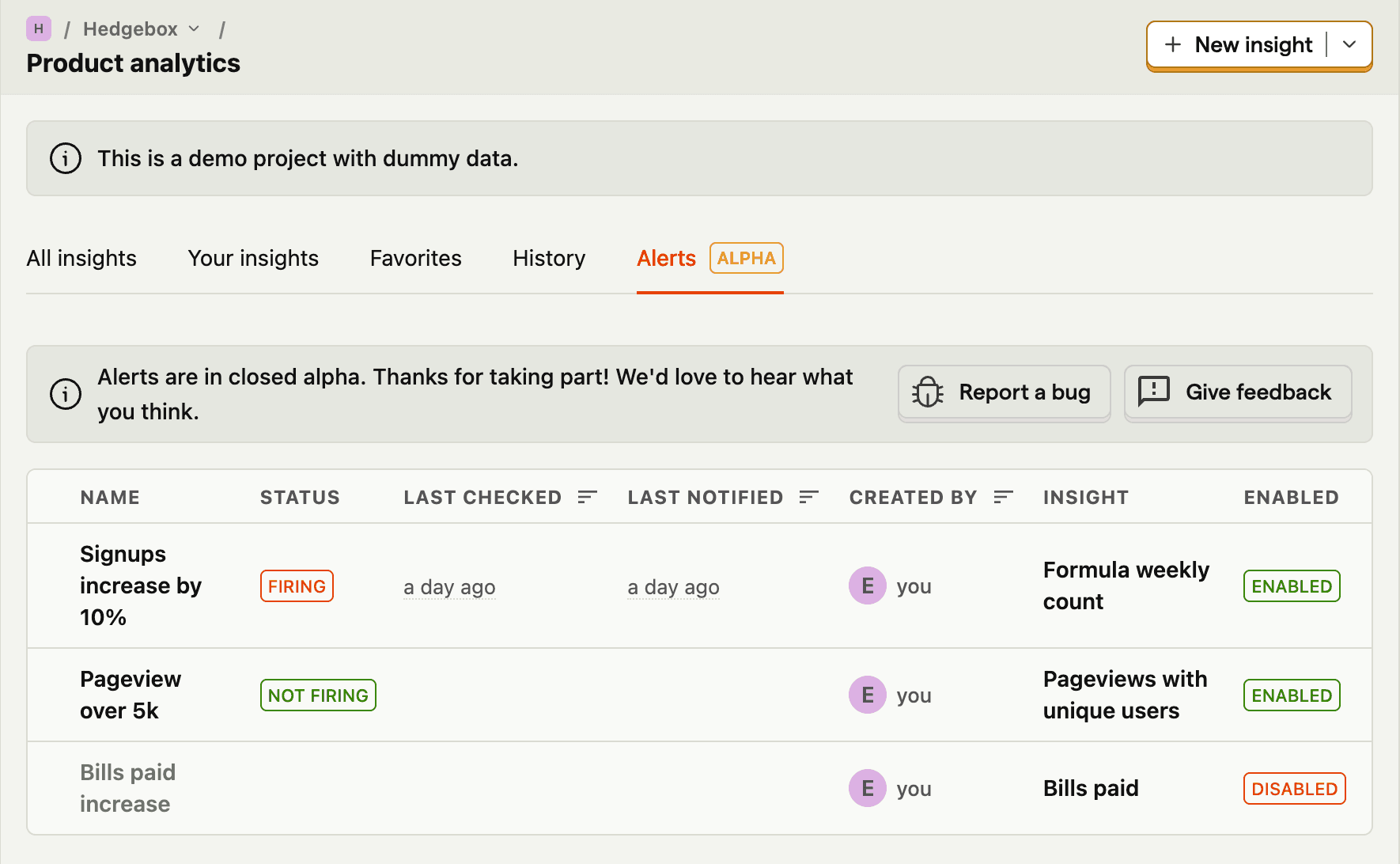
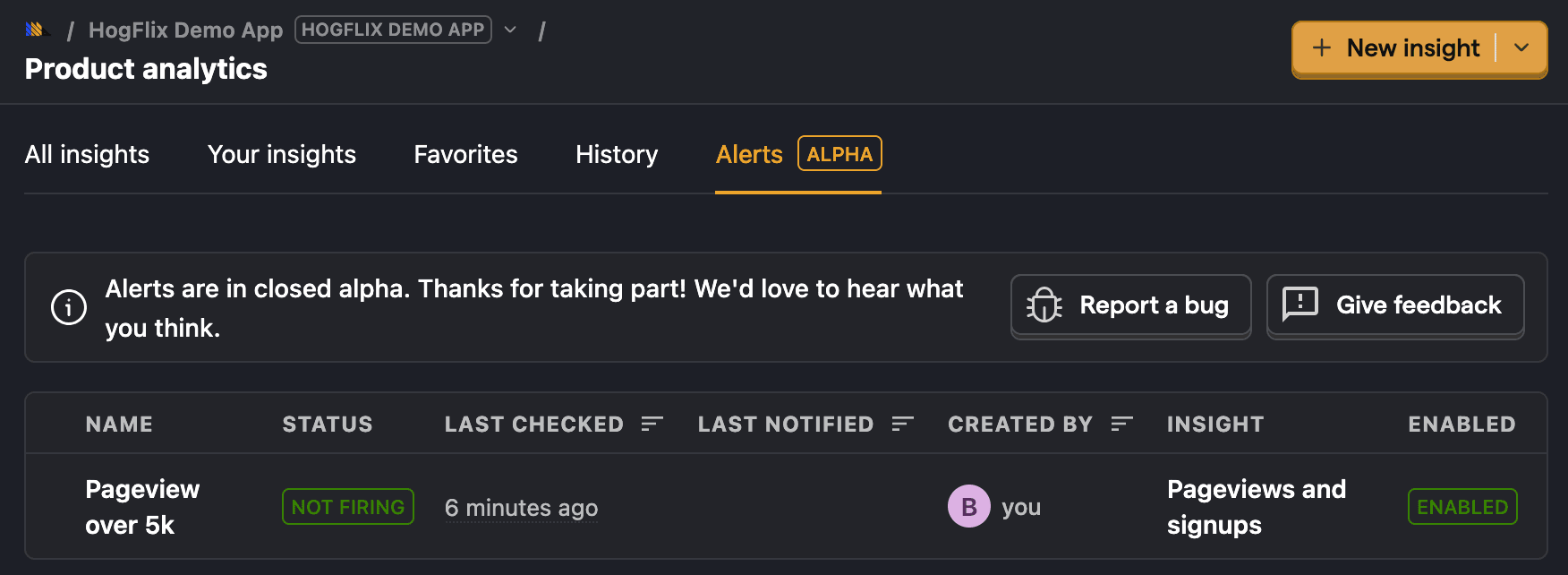
You can now view all the alerts set on the insight. To view all the alerts set, click Product analytics in the sidebar and then click the Alerts tab.
Relative alerts
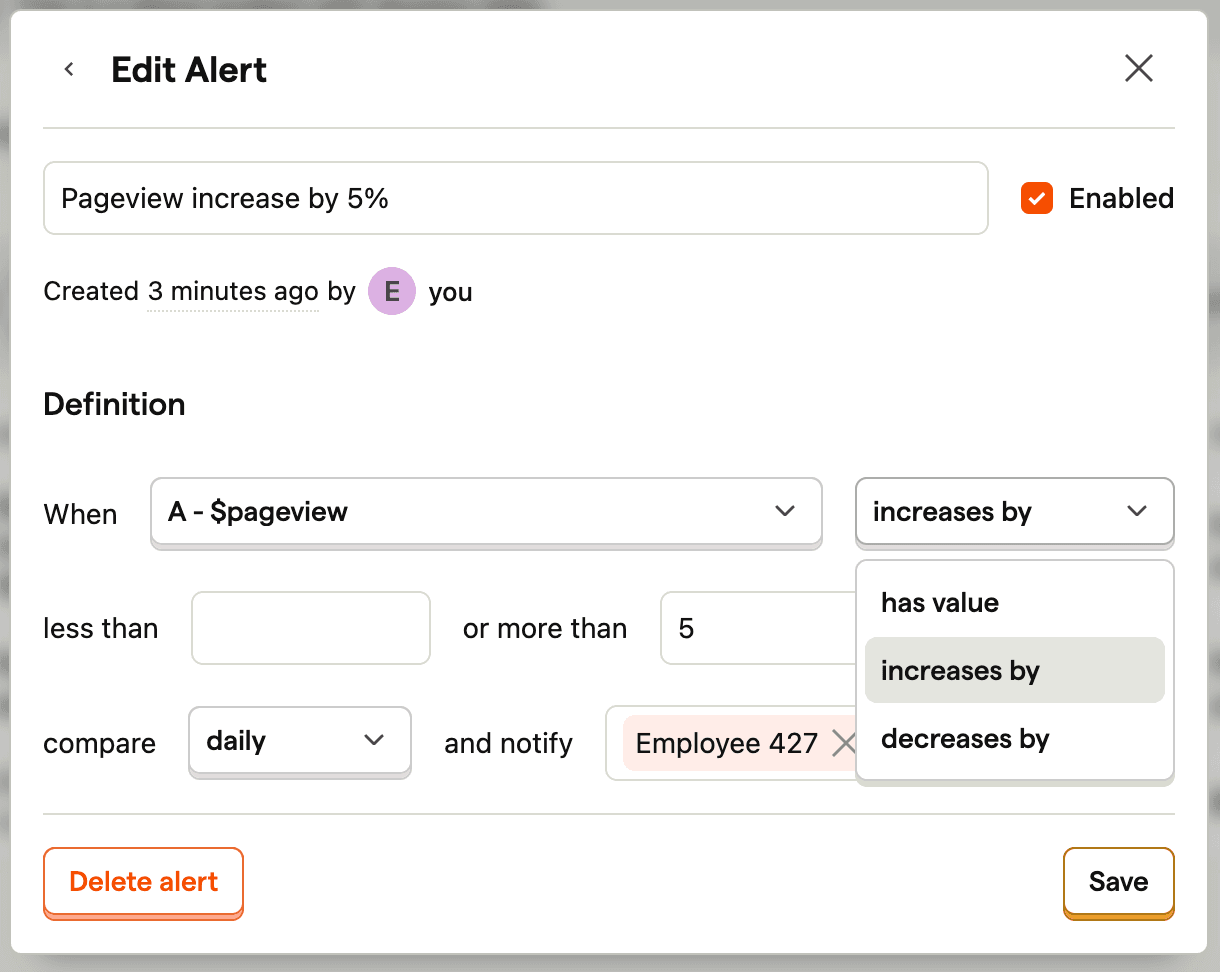
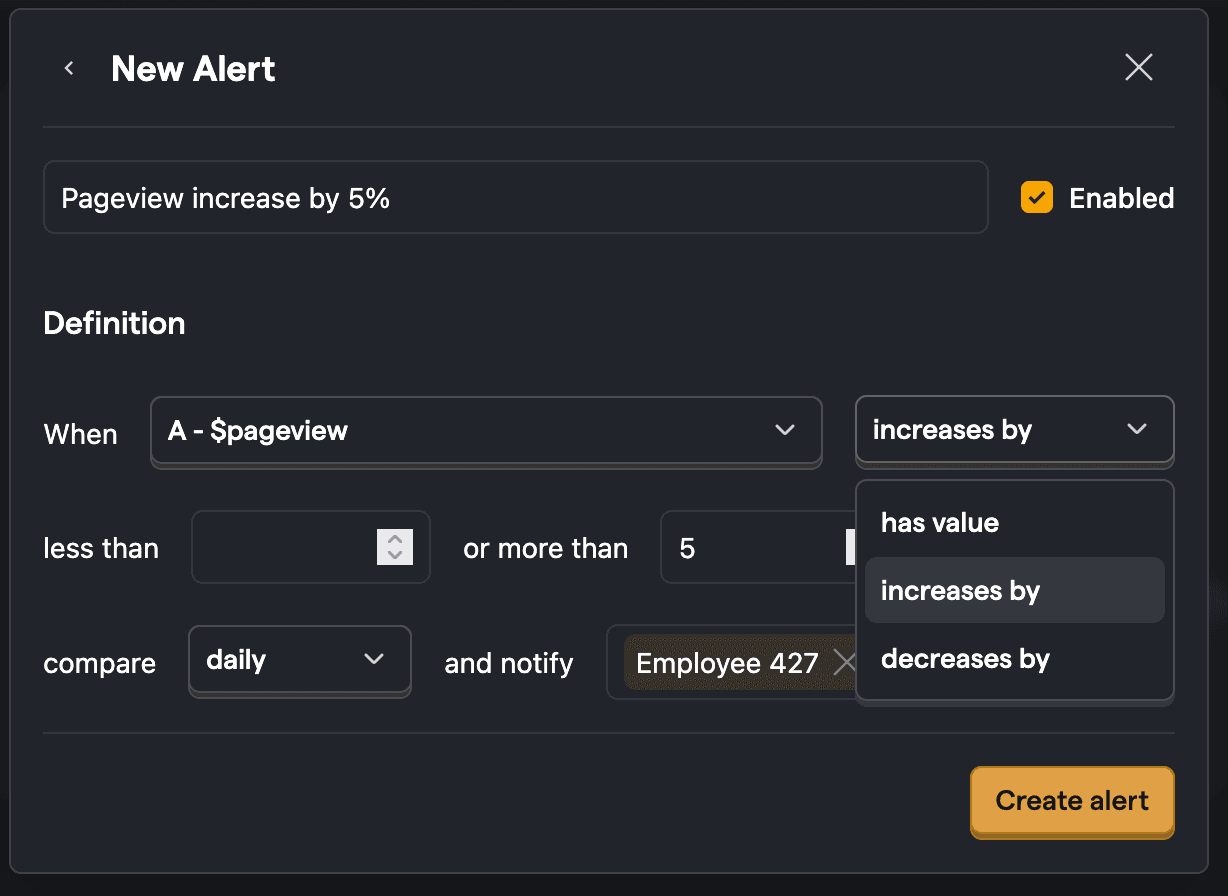
Relative alerts check for change in the value of an insight. For example, if a value increases by 5% in a week. To create a relative alert, you just need to change the has value option to increases by or decreases by. This will then also enable you to set a percentage threshold.
Thresholds
We support both absolute value thresholds (insight value more than or less than a certain number) or percentage thresholds (insight value changed by a certain percentage). Percentage thresholds are only available for relative alerts (as you need to compare two values to figure out percentage change).
Notifications
Alerts support email notifications, Slack messages, and webhooks. You can configure these directly when creating or editing an alert.
Add Slack or webhook notifications
When creating or editing an alert, you can add notification destinations inline:
In the CDP Destinations section, select Slack or Webhook from the dropdown.
For Slack notifications:
- If you haven't connected Slack yet, click Connect to Slack to set up the integration.
- Once connected, select the channel where you want alerts sent.
For webhook notifications:
- Enter the webhook URL where you want alerts sent.
Click Add notification to add the destination.
Click Create alert or Save to apply your changes.
You can add multiple notification destinations to a single alert. Each destination appears in the list with its status.
Advanced options
You can configure alerts to skip checking on weekends. This is useful for daily alerts which would normally trigger on weekends.
Check ongoing period
Alerts also enable you to check the current/ongoing period. When enabled, this checks the insight value for the ongoing period (current week/month) that hasn't yet completed. Use this if you want to be alerted right away when the insight value rises/increases above threshold
Alerts on breakdowns
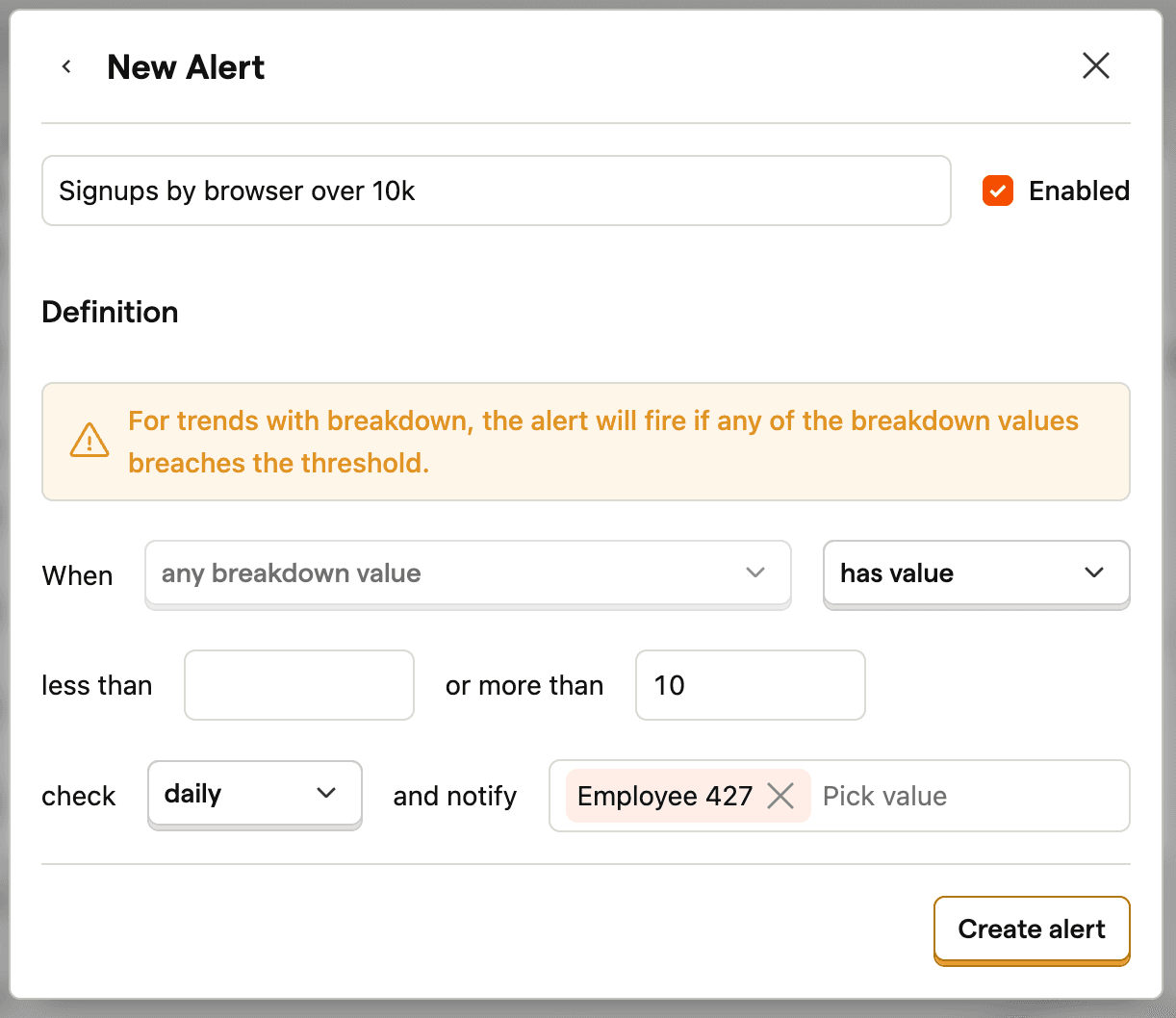
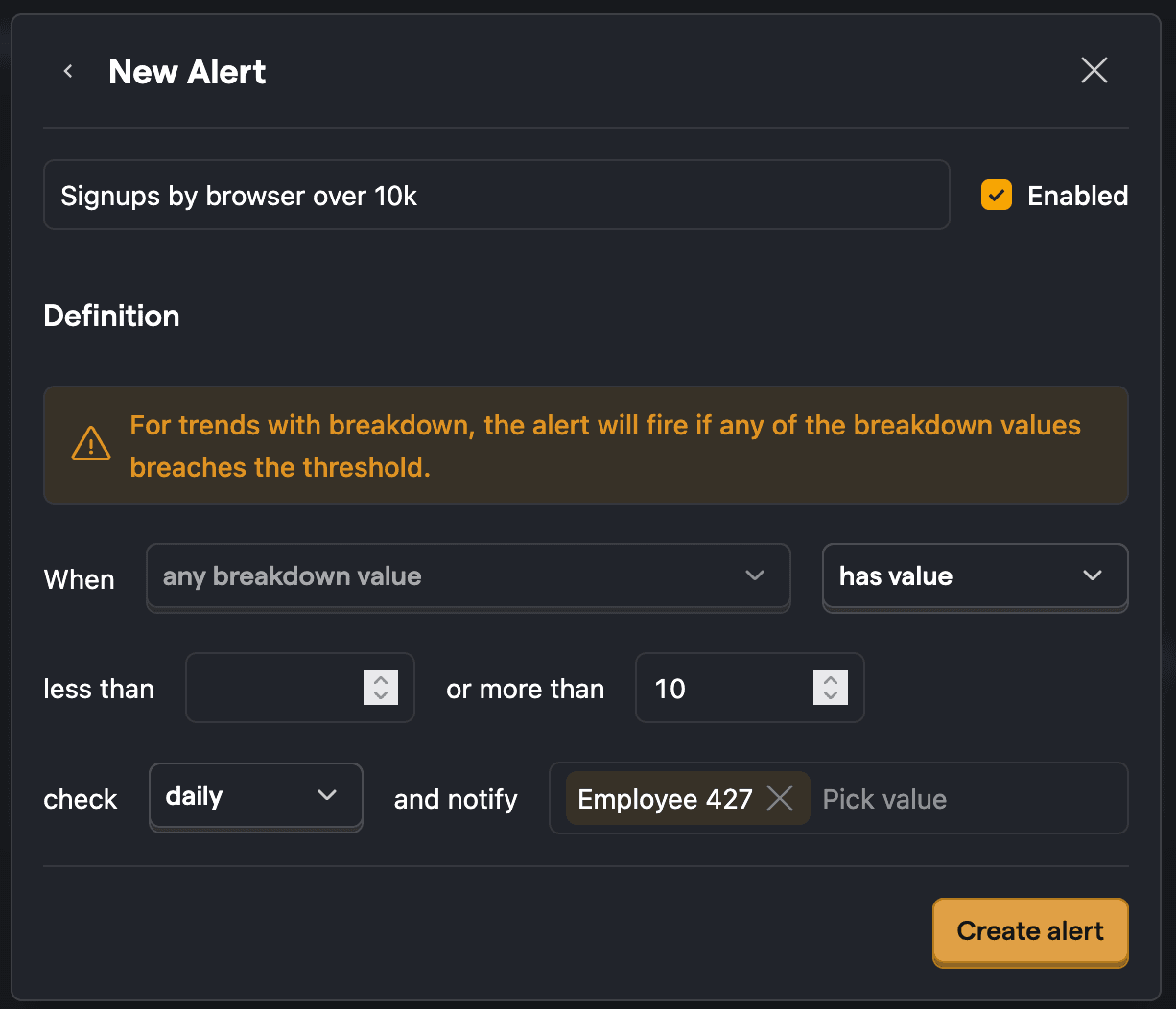
When you set an alert on a trend with a breakdown, the alert will be triggered when any of the breakdown values breaches the thresholds set.
Further reading
For more ideas on how to get started with Alerts, check out our alerts examples.